Welcome to the future of property marketing! With our AI Photo Editor, you can preview powerful enhancements in seconds—and pay only for the images you truly love. This guide walks you through every step to make the most of this innovative tool.
🧭 Step-by-Step Guide
Step 1 – Choose AI Photo Editing During Checkout
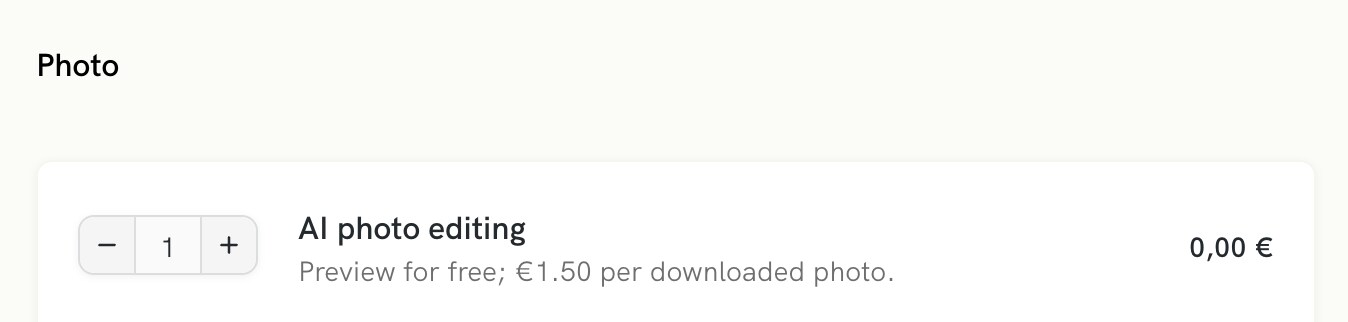
When placing a photo editing order, simply select the “AI Photo Editing” option.
Step 2 – Let AI Do the Magic
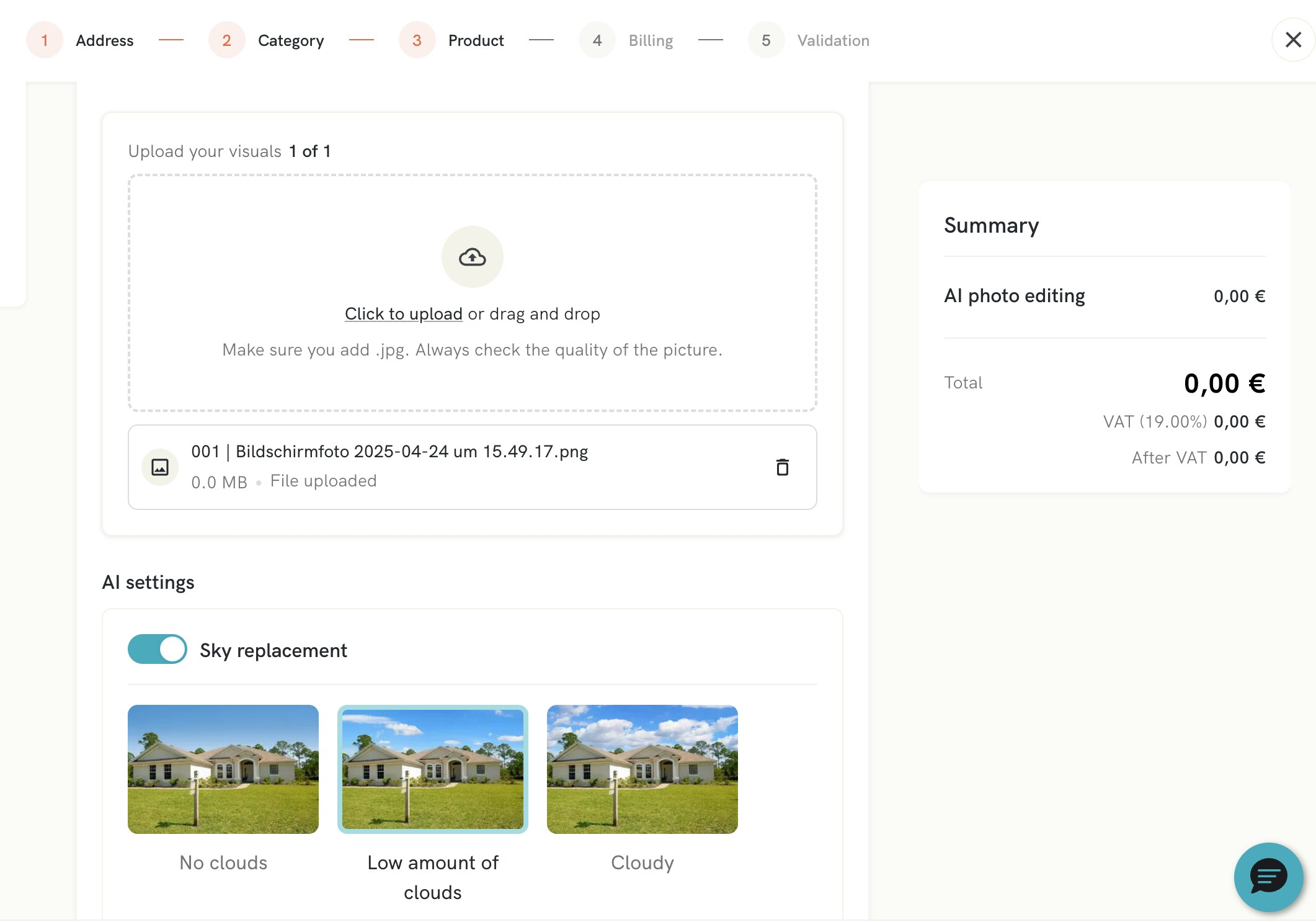
- Once your images are uploaded, they are instantly queued for enhancement.
- Depending on the number of visuals, processing can take up to 2 minutes.
- You’ll see a low-resolution, watermarked preview appear in your gallery within minutes.
What’s included?
- AI-powered photo editing
- Sky replacement & image enhancement
Step 3 – Pay Only When You’re Happy
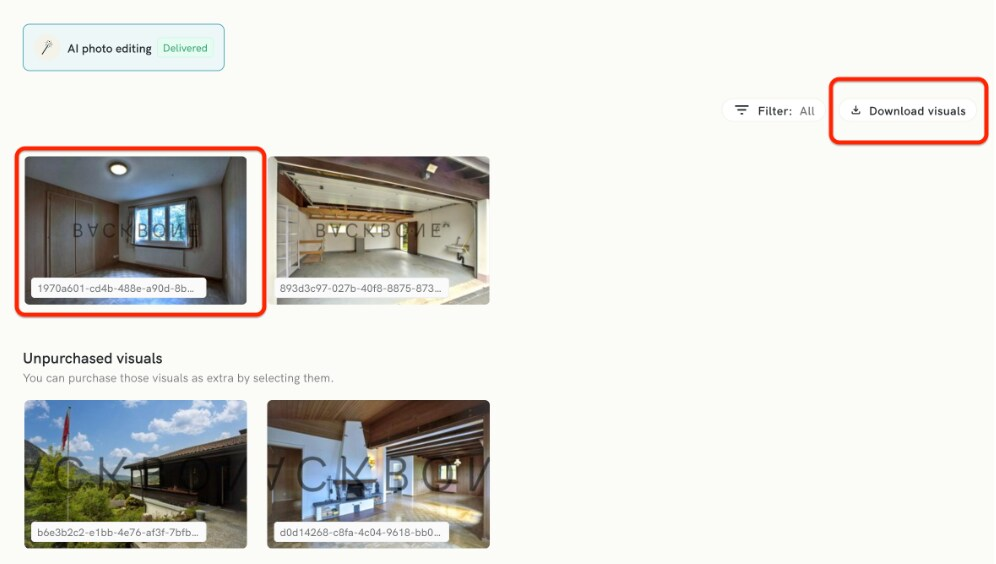
- Love what you see? Click Download on any image to unlock the high-resolution version.
- Please check for any glitches before downloading your visuals.
- 💳 Payment is triggered only at this point—nothing upfront.
Step 4 – Download Your Final Visuals
Once payment is made, you’ll receive the full-quality, watermark-free images—ready to wow your clients and boost your listings.
✨ Why Use AI Photo Editing?
- Save time with instant enhancements
- Perfect for fast-paced property marketing
- No design skills required
- Only pay for what you use
❓ FAQ
Is AI editing really free?
Yes! You can use the AI editing tool completely free of charge. You only pay for the photos you choose to download.
Can I test a few images first?
Absolutely. Browse all previews with no commitment.
What if I don’t like the result?
Simply skip it. No download = no charge.
Are there bulk discounts?
Not yet—the pricing is fixed per image.
How fast are the edits ready?
Usually within a few minutes, depending on your upload size.
Something went wrong—who can help?
Our Support team is here for you via the Becka Chatbot (found at the bottom right of our platform).