If you're having trouble logging into Backbone, this guide will help you troubleshoot and ensure you're logged in successfully. We recommend using Google Chrome for the best experience.
🧭 Step-by-Step Guide
Step 1 – Check Your Browser
- Action 1: Double-check that you're using Chrome. If you're not, click here to install it.
- Action 2: Once you've installed Chrome, retry logging in with this browser.
💡 Note: If the issue persists, continue reading for additional troubleshooting tips.
Step 2 – “Log In” or “Sign Up”?
- Action 1: Determine whether this is your first time connecting to the platform or if you're trying to log in.
- Log in: You are an existing client
- Sign up: It’s the first time you use the platform
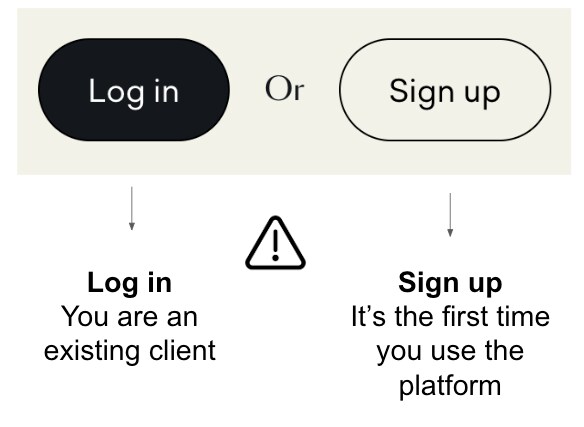
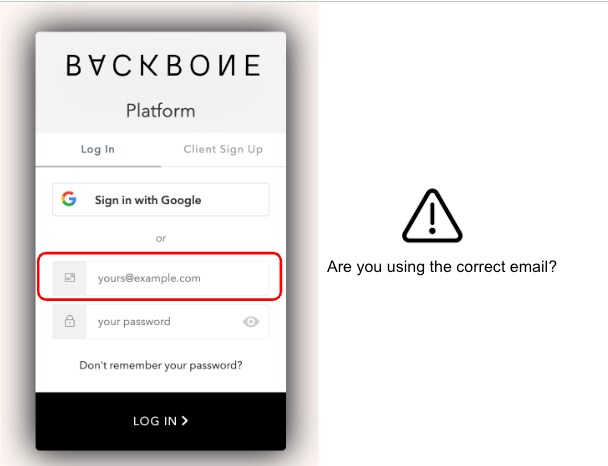
- Action 2: If you're trying to log in, check:
- If you are using the correct email.
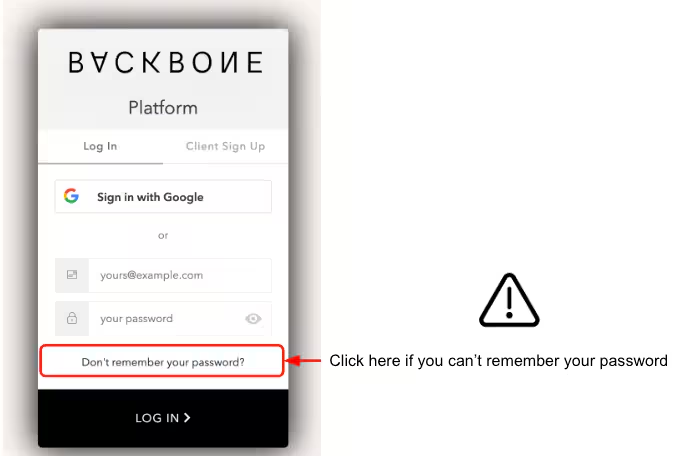
- Click on “Forgot your password?” if that’s the case.
- If you are using the correct email.
Step 3 – Need a New Account?
- In case you need a new registration account on our platform, please contact your account manager or our support team at [email protected].