What is the Extended Blur Service?
Our Extended Blur Service helps you blur sensitive information in property images, such as personal items, license plates, or neighboring properties. Upon ordering, you'll receive both the blurred and original non-blurred versions of your images.
🧭 Step-by-Step Guide
For Shooting Products
- Select the Extended Blur Option: When booking your photoshoot, choose the "Extended Blur" option if you want the backgrounds and faces blurred in your images.
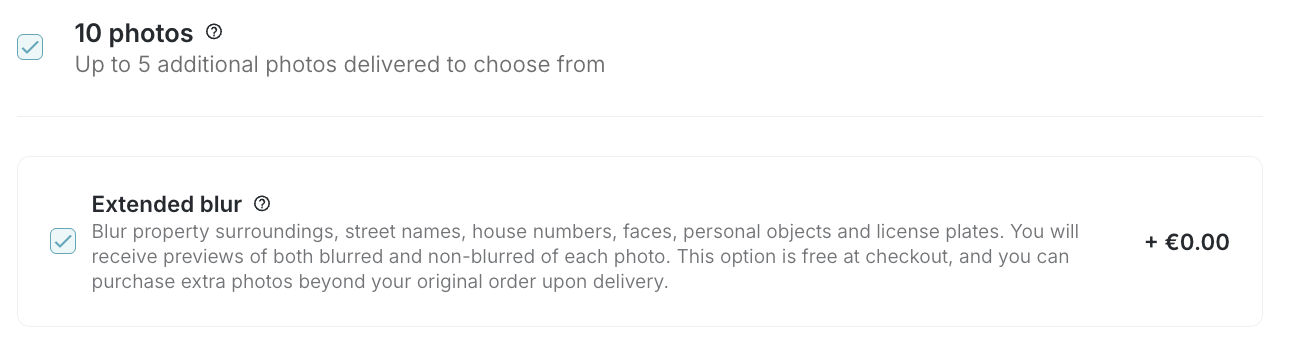
- Download Your Images: After your photoshoot, you can download both blurred and non-blurred versions of your images for free, as long as you do not exceed your total photo pack.
- Extra Charges: If you want to download more photos than your pack allows, a fixed fee of an additional photo will apply for each additional image.
For Editing Products
- Select the Extended Blur Option: When ordering photo editing services, choose the "Extended Blur" option for the images you want to have backgrounds and faces blurred.
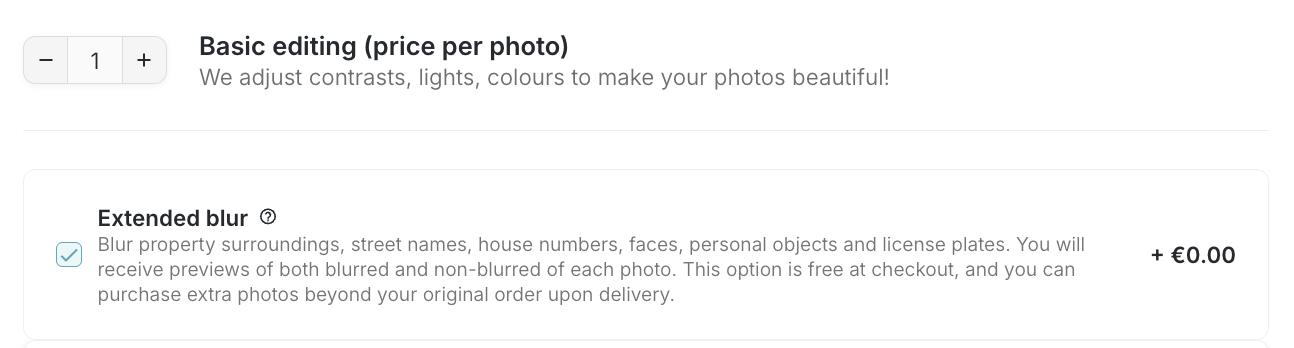
- Download Your Images: Once the editing is complete, you can download either the blurred or non-blurred versions for free.
- Download Both Versions (Additional Fee): For orders placed after November 13, 2025, you can download both the blurred and non-blurred versions. However, a fixed fee of an additional photo will apply for each image that exceeds the number of photos included in your order.
❓ FAQ
How much does the Extended Blur service cost?
The Extended Blur service is free. However, if you download both versions (blurred and non-blurred photos) and this causes you to exceed the number of photos your pack allows, a fixed fee of an additional photo will apply for each additional image.
Can I download both versions of the image?
Yes, you can download both versions. However, for editing orders placed before November 13, 2025, the platform will not allow it. Please note that if downloading both versions (blurred and non-blurred photos) causes you to exceed the number of photos your pack allows, a fixed fee will apply for each additional image.
What if I only want one version?
You can choose to download either the blurred or non-blurred version at no extra cost, as long as you do not exceed the number of photos your pack allows.
How long does the blurring process take?
The blurring process is completed as part of your standard order processing time. Typically, you’ll receive both versions within 2 business days.