The AI-driven text generator empowers realtors and property managers to craft high-quality property descriptions in seconds. The tool can be accessed directly from your Properties view.
Please note: The AI Text Generator is a feature exclusively available to our Backbone Plan subscribers. To learn more about our subscription plans, please visit our pricing page.
🧭 Step-by-Step Guide
Step 1 – Log in to your account
Go to app.bkbn.com and log in to your Backbone account.
Step 2 – Open your property
Open the property for which you want to generate a marketing text.
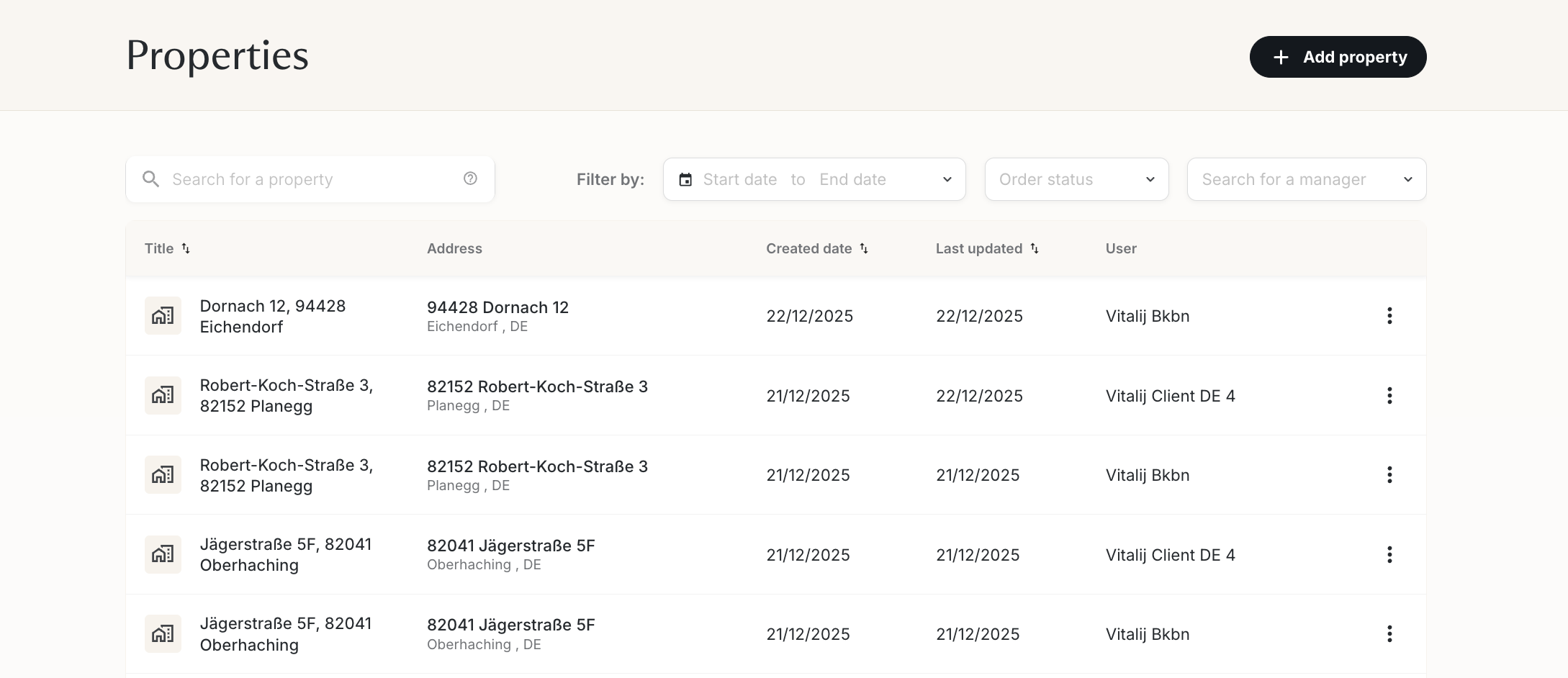
Step 3 – Go to the text generator
Click on "AI text generator" at the top of your gallery.

Step 4 – Add property information
Enter all relevant details about the property in the property information. Slide the property information box to see all available options:
- General: property type, highlights, floor, size, price, etc.
- Room details: numbers of rooms, bedrooms, bathrooms, kitchens, living rooms
- Contact person: name, phone number, email
- Text settings: output language, tone of voice, target audience
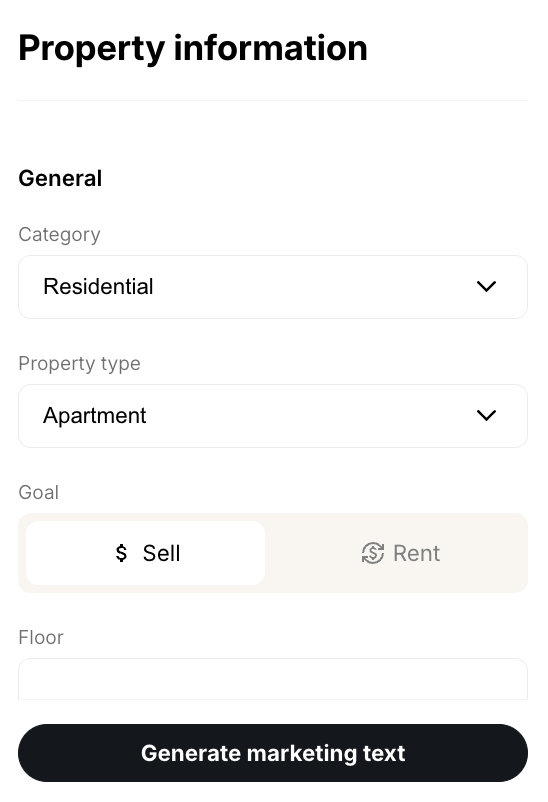
Step 5 – Generate your marketing text
Click Generate marketing text and let the AI do the work.

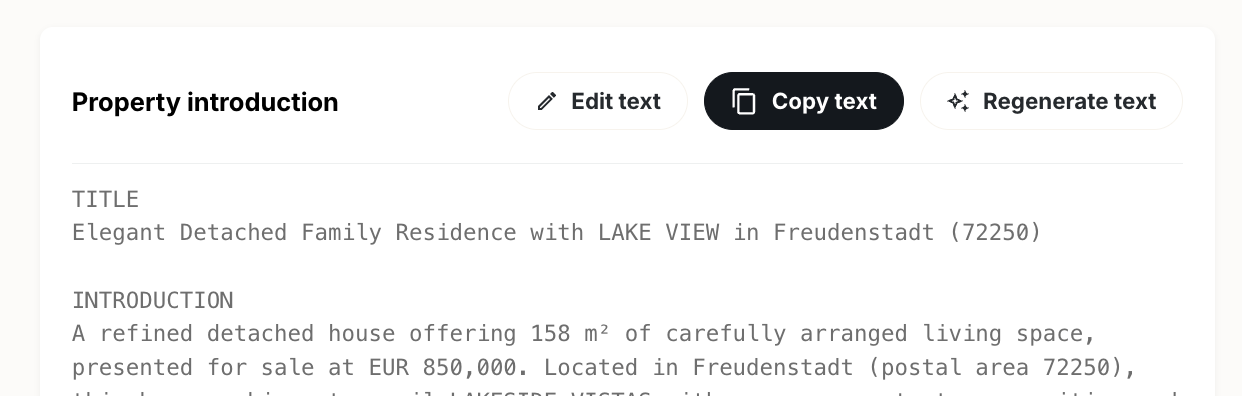
Step 6 – Edit or rewrite as needed
Review the generated text. You can edit it manually, copy it, or ask the text generator to rewrite it.
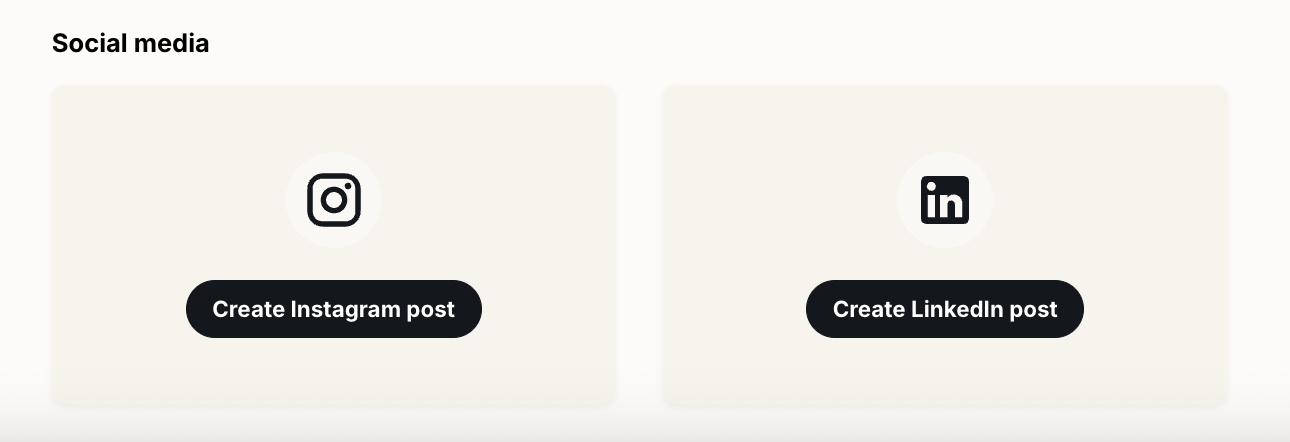
Step 7 – Share directly to social media
Share your new listing directly on social media by clicking the appropriate button.
❓ FAQ
Q: Who can access the text generator feature?
A: The text generator is exclusively available to Backbone Plan subscribers. If you don't have an active subscription, you won't see the text generator option.
Q: Can I edit the generated text?
A: Yes, you can edit the text manually or ask the AI to rewrite it with different parameters.
Q: What languages are supported?
A: You can select your preferred output language in the text settings within the property information section.