After placing an order, you can review your order details at any time from your account.
This article explains where to find your uploaded files, product configuration, and the difference between order-level and product-level information.
🧭 Step-by-step guide
- Open the Property overview or the Order overview for the order you want to review.
- Go to the Orders tab and click Order Information to view order-level information, such as billing details, scheduling information, and general comments.
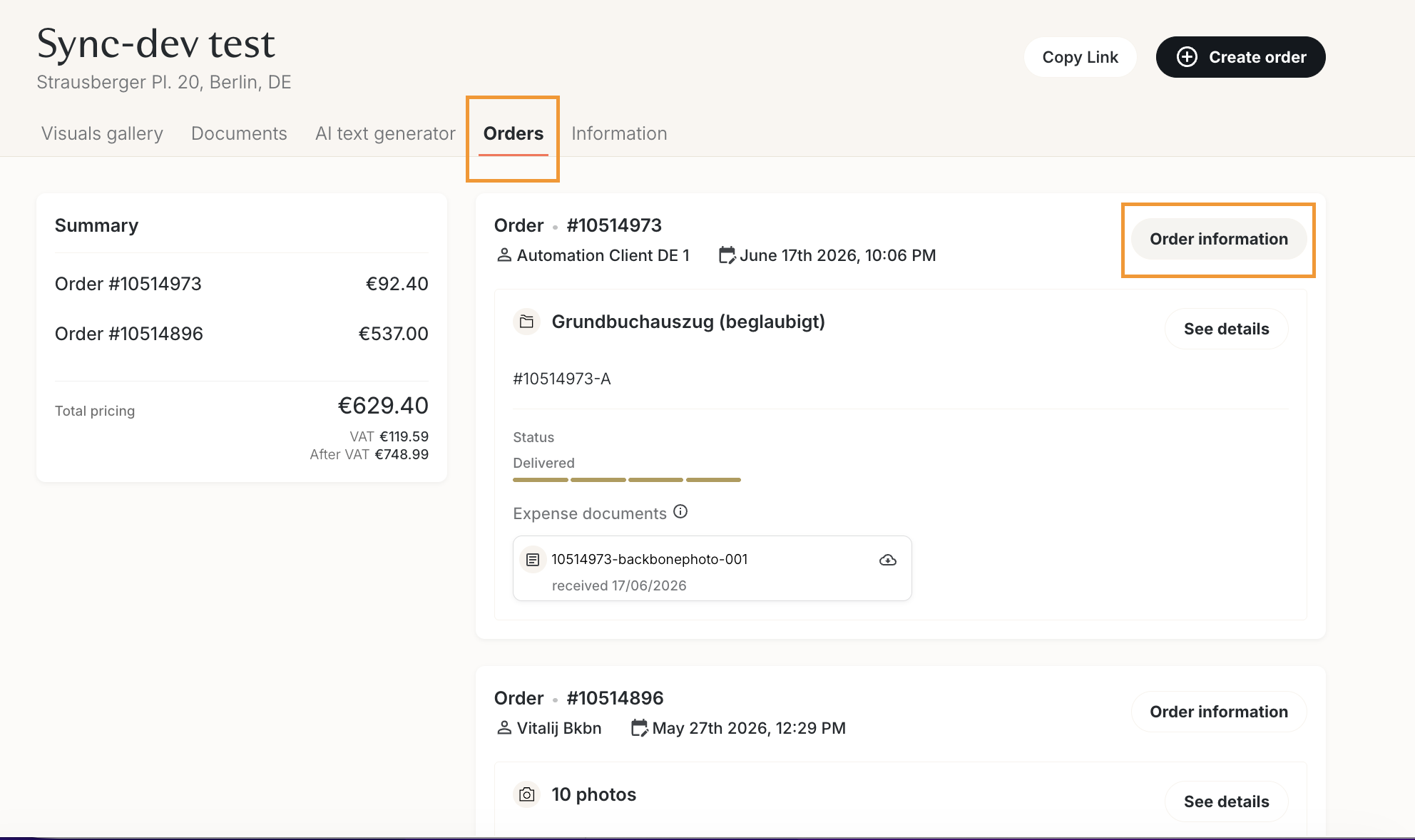
- Click See details next to a product to view its configuration and download any files uploaded during checkout.
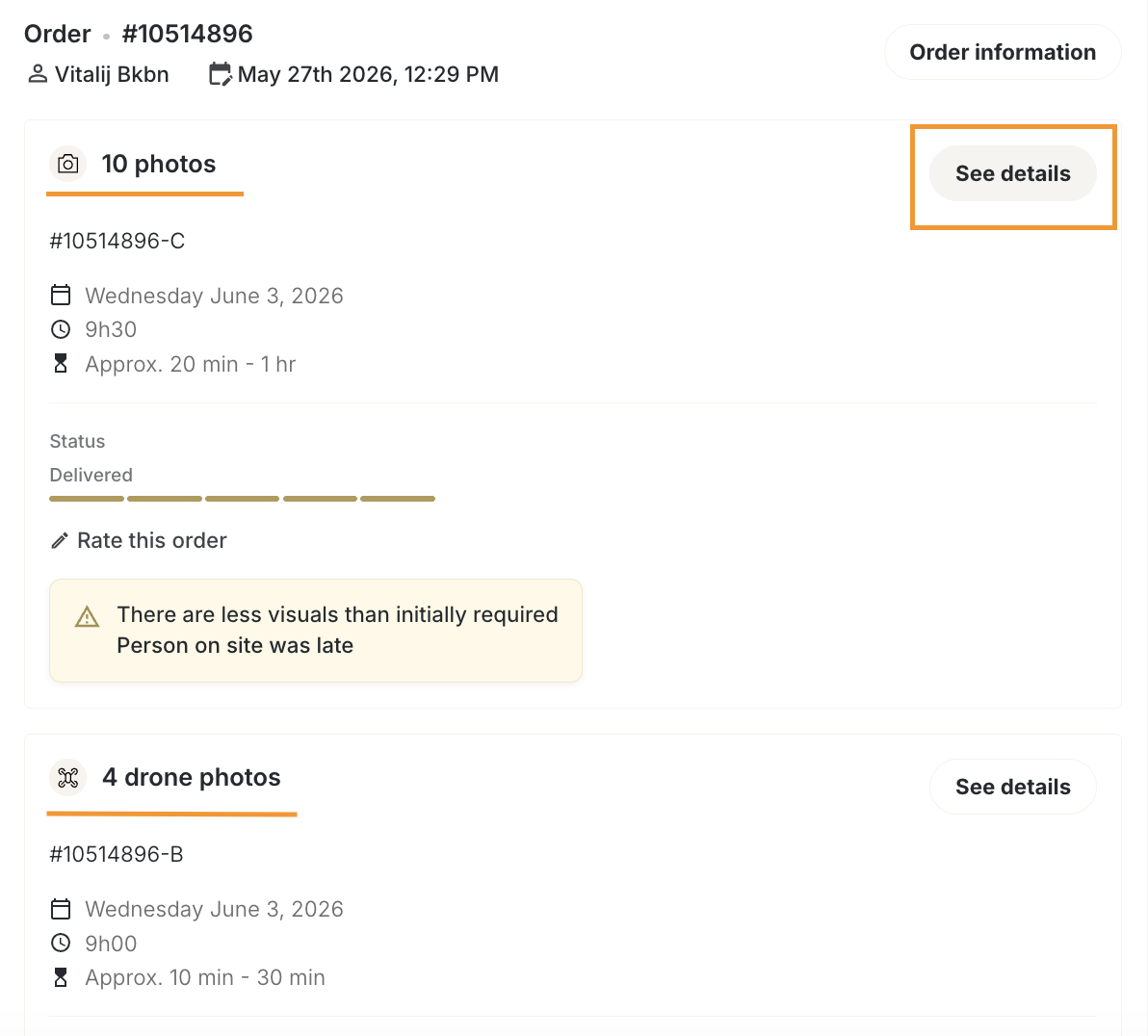
- If you can't find a specific piece of information, check whether it is stored at the order level or the product level.
Order-level information
The Order Information page includes:
- Contact & access details (for on-site services only)
- Contact person
- Access method (meeting on specific date and time, key pickup, or third-party organisation)
- Photographer preferences (for on-site services only and subscribers to Backbone plan)
- Selected photographer you submitted during checkout (if applicable)
- General information
- Reference and any additional instructions you submitted during checkout
- Billing information
- Invoice address details
- VAT number and payment/invoicing details
Product-level information
The Product Details page contains information specific to each product, including:
- Floor plan configuration
- Style, layout, measurements, branding, output format, language, comments
- Virtual staging settings
- Room type, design style, notes
- On-site measurement configuration (product available only in Germany)
- Property details, included areas, comments
- Authority document information (product available only in Germany)
- References, landlord information, comments
- AI editing settings
- Sky replacement and AI preferences
- Uploaded input files
- Download all files submitted during checkout for that product
Please note:- Empty fields are not displayed.
- The following configurations are not yet available and will be added in a future release (products available only in Germany):
- Energy Certificate
- Certified Floor Plan (Living Area Calculation)
- Contact & access details (for on-site services only)
- To view or edit your property information, please refer to this article.
❓FAQ
Q: Why can't I see the property information in the Orders tab?
A: Property information is managed separately from order information to avoid confusion. You can find it in the dedicated Property information tab; see more details here.
Q: I can’t find a file I uploaded. What should I check?
A: Uploaded files are stored at the product level, not the order level. Open the correct product by clicking See details to view and download its files.